HR and project control
Connect teams, projects and profitability
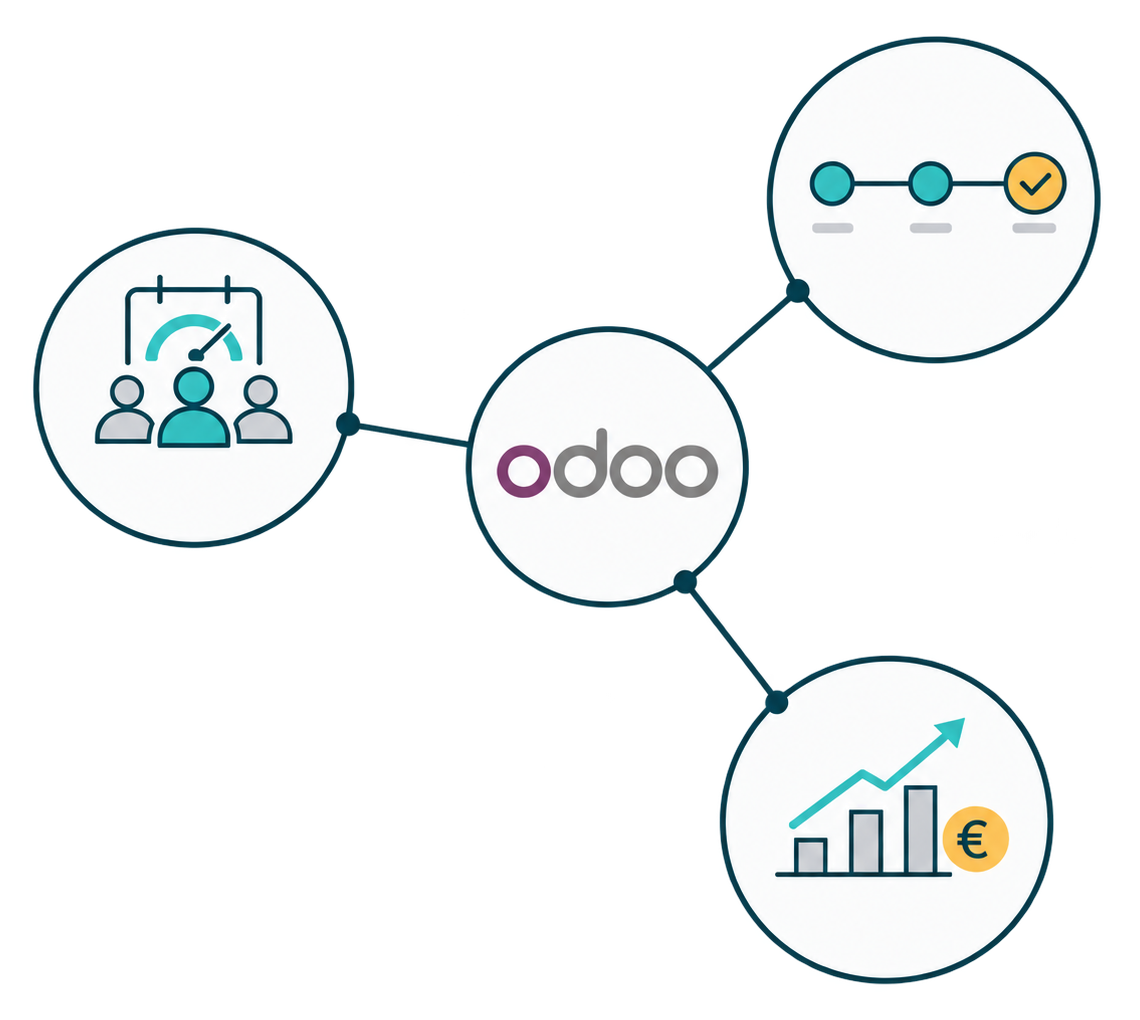
At Studio73 we adapt Odoo and its integrations to the way your company organizes its teams and runs its projects.
THE PROBLEM
A project goes off track when planning and work stop matching
Planning is difficult when team availability, tasks and hours worked are managed in different tools.
You may find yourself in one of these situations:
Absences and changes in availability don’t reach the planning.
Hours are logged late or with different criteria.
Progress has to be pieced together through meetings, emails and messages.
Costs and profitability become known when there is little room left to act.
When information is separated, each area sees only part of the problem. Team leads can’t anticipate the workload and management feels the impact when the deadline or margin is already compromised.
THE COST OF MANAGING BLIND
An overload shouldn’t be discovered when the project is already late
A project needs more hours than planned. At the same time, a key person has work assigned across several initiatives and an absence that doesn’t yet appear in the planning.
To decide how to act, the manager needs to:
Compare available capacity with assigned work.
Identify which tasks, projects or absences cause the conflict.
Review priorities, dates and logged time.
Assess the effect of a reassignment on deadline and cost.
Information doesn’t decide for the manager. It helps them understand the conflict, weigh alternatives and record the decision.
PEOPLE AND PROJECTS CONNECTED
A single view of who can take on the work and how it is progressing
The goal is not to record more data. It is for each manager to have the information they need and for relevant changes to be reflected where they have an impact. It is about deciding which data your company needs, how it should be fed and which validations make it trustworthy.
Team and availability
Organize employees, departments, positions, managers, calendars and working hours with access tailored to each profile. When the architecture and installed apps allow it, we add absences to the information used to plan availability.
Time off management in Odoo →Projects, tasks and planning
Structure projects, tasks, owners, priorities, dates and milestones to share a single reference for execution. Planning makes it possible to distribute time and resources across projects and helps review assigned workload and potential conflicts.
Project management in Odoo →Projects, tasks and planning
Organize shifts, roles, resources and availability to assign people to the needs of each project and activity. Planning lets you visualize workload and anticipate overlaps or coverage needs.
Team and resource planning in Odoo →Hours, expenses and execution
Link hours and expenses to tasks, projects, customers or activities using clear criteria for logging, review and validation. This makes it possible to compare logged time with planned work, as long as the information is kept up to date.
Timesheets in Odoo →Invoicing, costs and profitability
When the business model requires it, we connect time spent and other project costs with invoicing and results. For this information to be reliable, the financial criteria must be defined correctly and each record linked to the corresponding project and analytic account.
Project profitability in Odoo →STARTING POINT
The next step depends on where you lost visibility
You need to organize management from the start
We define the team structure, responsibilities, projects and planning criteria before configuring the system.
Odoo implementation →You already have a system, but it doesn’t give a reliable view
We review tools, data, permissions and ways of working to locate duplication, usage problems or information that doesn’t reach where it is needed.
Migration, stabilization and scaling →The company has grown and needs to review its model
We adapt planning and KPIs to new teams, projects, services or business units.
Consulting and training →Do you also need to analyse costs and profitability?
Connect projects, hours, expenses and accounting to know the cost of each activity, analyse margins and better understand profitability.
Discover our Financial and management control service →
METHODOLOGY
The tool works when each person knows what they need to contribute
- 01
We define the decisions
We identify needs, owners and KPIs to agree on what information must be managed.
- 02
We design the information needed
We define teams, responsibilities, calendars, projects, tasks, time allocation and permissions.
- 03
We configure and connect
We prioritize Odoo and reusable solutions, reserving specific developments for needs that require them.
- 04
We test and prepare adoption
We validate the solution with real cases and prepare each profile to use it in their day-to-day work.
What we need from your team
Studio73 provides functional and technical judgement. The client’s managers set priorities, validate the rules and provide key users who know the exceptions of real work.
Knowledge stays in your company
Depending on the agreed scope, your team receives the documentation needed to understand the decisions implemented:
- Documentation
Model of teams, roles and permissions. - Documentation
Structure of projects, tasks and milestones. - Documentation
Planning and time-logging criteria. - Documentation
Definition of KPIs and validation flows. - Documentation
Test evidence and training materials. - Documentation
Documentation of the integrations included.
FAQ
Can we see the workload of each person or team?
We can configure information on availability, working hours, assignments, tasks and planned time, as long as the company defines the criteria and keeps the data up to date.
The goal is to anticipate capacity conflicts and improve planning. The solution should help organize work, not monitor individual activity.
Do all teams need to work the same way?
No. First we identify which criteria must be shared to plan, measure progress and share information.
Then we leave room for differences that respond to each team’s real needs. The structure should make follow-up easier without forcing processes that don’t fit the work done.
Can we keep the tools we already use?
It will depend on their function, the information they manage and their technical integration options.
We review which data should stay in each system, what is worth moving and when an integration can avoid duplication.
How are hours linked to the project cost?
Hours can be linked to tasks and projects. To analyse them financially, you need to define the applicable costs, validation criteria and their relationship with the project’s analytic account.
The information will be useful if records are made consistently and remain linked to the corresponding project or task.
Can we see a project’s progress and profitability?
We can link planning, tasks, milestones, time spent, budget and costs when the process and the necessary data are defined.
Reliability will depend on how progress is updated, hours are logged and costs are allocated. The financial analysis must be coordinated with the company’s financial criteria.
Does Odoo replace our payroll software?
Not necessarily. Management of employees, availability, time spent and projects can coexist with other applications.
The right architecture will depend on the processes included, the localization, the data to be exchanged and the technical integration options. Payroll is outside the scope unless it is expressly defined in the project.
RELATED SERVICES
HR and project control
Plan with a more complete view of capacity and assigned work
Tell us how you assign work, where your team logs hours and what information you need to control each project.
Tell us how you manage your projects →